
Microsoft 365 Services in Dubai: Setup, Migration and Support
Microsoft 365 setup, migration and ongoing management for Dubai businesses: email, Teams, SharePoint, licences, security and backup, handled by Byteflow.

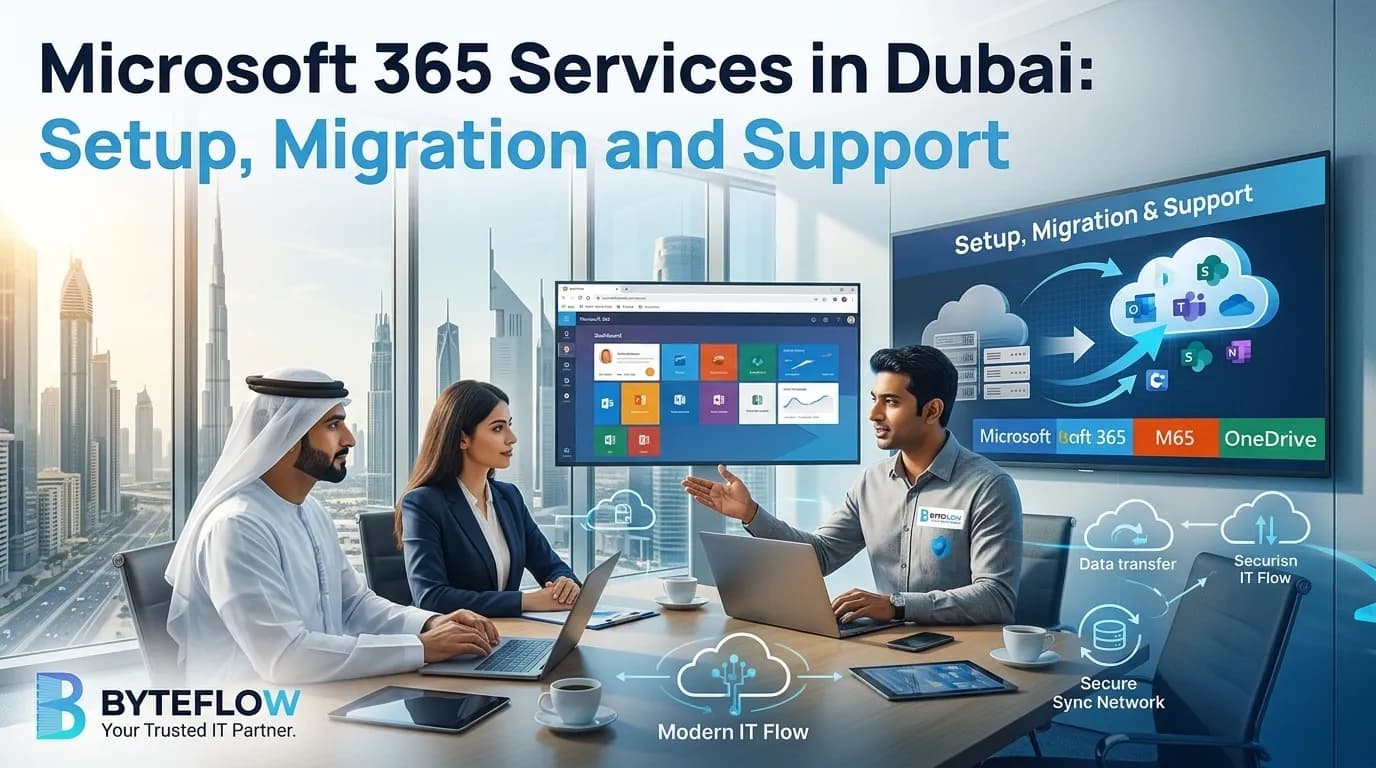
Microsoft 365 runs the working day for most offices in Dubai: email, Teams calls, shared files and the Office apps. When it is set up well, nobody thinks about it. When it isn't, you get missing emails, the wrong people with access to files, and licences you are paying for but not using. Byteflow sets up, migrates and manages Microsoft 365 for businesses across the UAE.
Our Microsoft 365 services
- Setup: new tenants, your company domain, user accounts, mailboxes and security settings.
- Migration: moving email, files, contacts and calendars from another provider or an old email server.
- Administration: joiners and leavers, mailbox permissions, shared mailboxes and day-to-day changes.
- Licence management: assignments, renewals and add-ons, so you have the right number of licences.
- SharePoint and Teams: sites, document libraries and channels structured around how your teams work.
- Security and backup: sign-in protection, email security and backup of Microsoft 365 data.
Microsoft 365 setup for new businesses
Getting the foundations right at the start saves problems later. A typical setup includes:
- Choosing the right plans for each type of user, rather than the same licence for everyone.
- Connecting your domain so email uses your own address, such as [email protected].
- DNS records for email: MX to route mail, plus SPF, DKIM and DMARC so your emails are trusted and less likely to land in spam.
- Users and mailboxes, including shared mailboxes like info@ or accounts@.
- Security settings, including multi-factor authentication for every user.
- Devices and apps: Outlook, Teams and OneDrive set up on staff laptops and phones.
Domain and DNS work is a common source of email problems. We also handle DNS and domain management as part of our cloud services.
Migrating to Microsoft 365
We migrate businesses to Microsoft 365 from Google Workspace, other email hosts and on-premise Exchange servers. A migration moves email, files, contacts and calendars, and keeps your existing email addresses.
How a Byteflow migration works
- Readiness assessment: we review your current email, files, internet connection and requirements.
- Migration plan: data, users and the cutover schedule are planned and agreed in advance.
- Parallel running: the new system runs alongside the old one during the move, so you are never dependent on an untested setup.
- Cutover and training: the final switch is scheduled for minimum disruption, and staff know what changes before it happens.
For a deeper look at migration options and planning, read our complete guide to migrating to Microsoft 365.
Ongoing Microsoft 365 administration
After setup, Microsoft 365 needs regular care. New staff need accounts on their first day; leavers need access removed and their mailbox handled properly; permissions drift as teams change. Byteflow takes care of this, including:
- Onboarding and offboarding users
- Mailbox, shared mailbox and calendar permissions
- Licence assignments and renewals
- Teams and SharePoint access as teams change
- Troubleshooting Outlook, sign-in and sync problems
Microsoft 365 administration can be included with your IT support under an IT AMC in Dubai, so email and user problems are handled by the same team that looks after your computers and network.
Keeping Microsoft 365 secure
Business email is one of the most common ways attackers get in. We help protect your Microsoft 365 with:
- Multi-factor authentication for every account, so a stolen password alone is not enough.
- Email security against spam, phishing and malicious attachments.
- Admin access control, so only the right people can change settings.
- Backup of Microsoft 365 data. Microsoft keeps the service running, but recovering deleted or overwritten business data is your responsibility. A separate backup gives you a copy you control. See data backup and recovery.
Microsoft 365 or Google Workspace?
Both are good choices, and we support both. Microsoft 365 suits businesses that rely on Outlook and the desktop Office apps, use Teams, or work with clients who share Word and Excel files. Google Workspace suits teams that work mainly in the browser and prefer Gmail and Google Docs. If you are unsure, we can compare them against how your team actually works, or help you move from one to the other.
Microsoft 365 pricing in Dubai
There are two parts to the cost:
- Microsoft 365 licences, billed separately per user per month, depending on the plans you choose.
- Byteflow's services for setup, migration and ongoing administration, quoted based on your number of users, the data to move and the work involved.
Prices exclude 5% VAT, and final pricing is confirmed in your quotation.
Get help with Microsoft 365
Whether you're setting up Microsoft 365 for the first time, moving from another provider or need someone to look after it, we can help. Call +971 54 328 2042 or contact us for a free quote.
How we can help with this

About the publisher
Byteflow Information Technology
Written by Byteflow SEO Team and published by Byteflow, an IT solutions provider serving 574 businesses across Dubai and the UAE since 2017 with IT AMC support, cyber security, cloud services and system integration.
Have an IT problem you need solved?
Reading about it is one thing. Getting it fixed is another. Our team responds within 2 hours.
Keep reading
Related articles
 Cloud5 min read
Business Data Backup in Dubai: A Practical Guide for Small and Mid-Sized Companies
Nov 16, 2026
 Cloud10 min read
AI Services in Dubai: A Practical Guide to Chatbots, Automation and Custom AI
Nov 7, 2025
 Cloud12 min read
Complete Guide to Migrate to Microsoft 365: Transform Your Business with Cloud Collaboration
Nov 16, 2025
FAQs
Frequently asked questions
Can we keep our email address when moving to Microsoft 365?
Yes. Your domain stays the same. We update your DNS records so email is delivered to Microsoft 365 instead of your old provider.
Will we lose emails during the migration?
The migration copies your existing email, contacts and calendars to Microsoft 365, and the old and new systems run side by side during the move, so nothing is switched off until the new setup has been checked.
How long does a Microsoft 365 migration take?
It depends on the number of mailboxes and how much data you have. We give you a timeline in the migration plan before any work starts.
Which Microsoft 365 plan do we need?
It depends on each user's role. Some staff only need email and web apps, while others need the desktop Office apps or extra security features. We recommend the right mix so you don't pay for features nobody uses.
Do you also support Google Workspace?
Yes. We set up, migrate and manage Google Workspace too. See our cloud services in Dubai.
Can Microsoft 365 support be part of our IT AMC?
Yes. User administration, licences, Teams and SharePoint can be covered with your IT support under one monthly plan. See IT support in Dubai.